What to Include on Your Personal Website: Essential Checklist
The complete checklist of sections every personal website needs. Learn what to include (and skip) to build a portfolio website that attracts real opportunities.
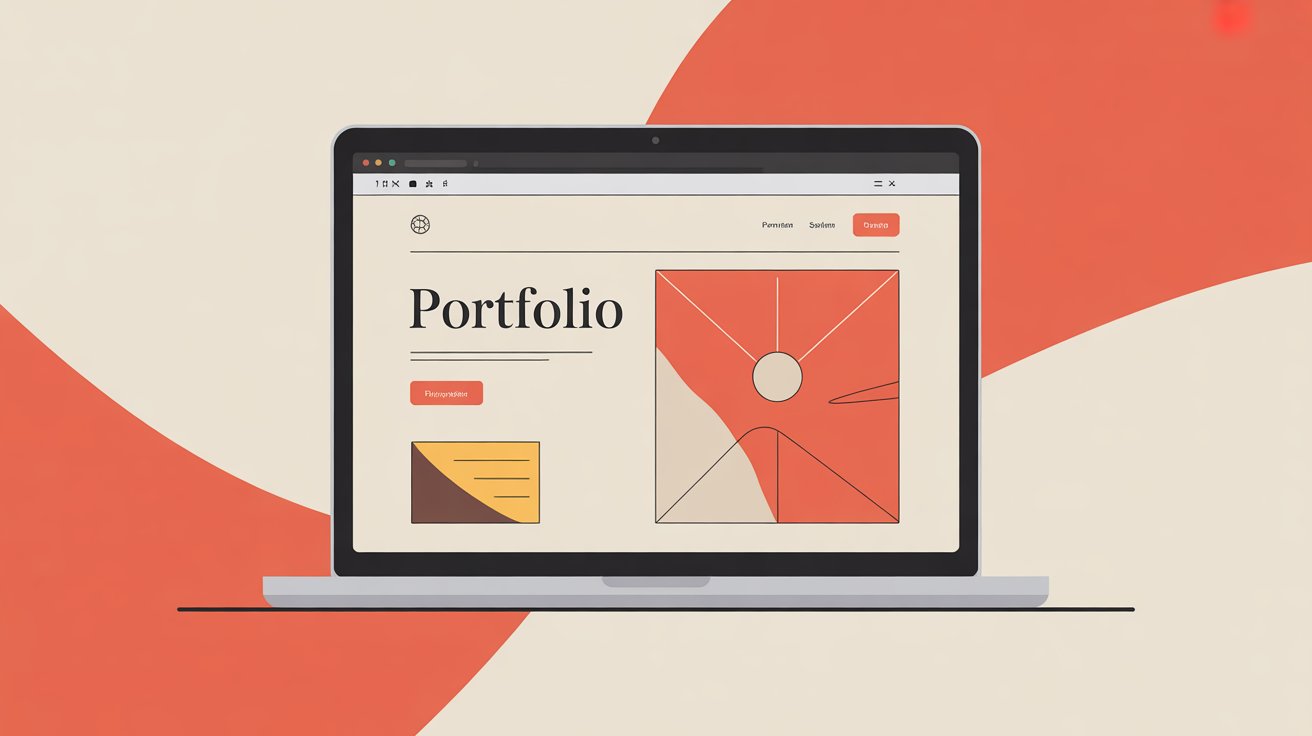
You've decided to create a personal website. Great choice. But now you're staring at a blank page wondering: what actually goes on this thing?
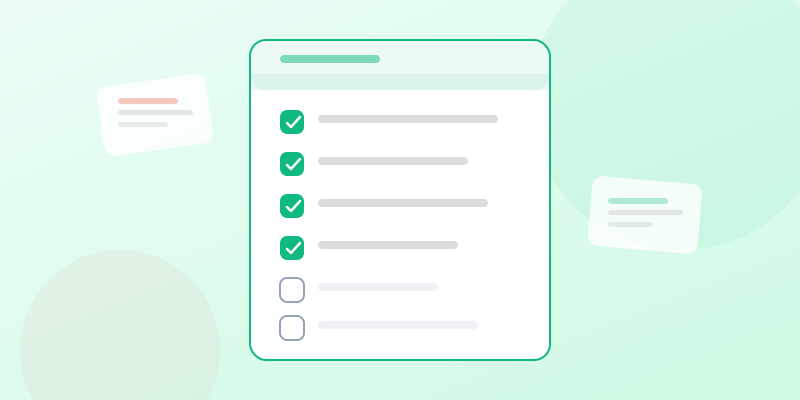
This guide covers everything you need on your portfolio website — and just as importantly, what you don't need. Follow this checklist and you'll have a professional website that works.
The Essential Pages for Your Personal Website
1. Home Page
Your homepage has one job: make visitors want to learn more.
Include:
- A clear headline stating who you are and what you do
- A professional photo (it builds trust)
- Your unique value proposition (why you're different)
- A clear call-to-action (what should they do next?)
Skip:
- Long paragraphs nobody will read
- Autoplay videos or music
- Sliders with multiple messages (they dilute focus)
2. About Page
This is usually the second most-visited page. People want to know who's behind the work.
Include:
- Your professional story (how you got here)
- What drives you
- Relevant skills and experience
- A personal touch (hobby, fun fact, values)
- Professional photo (can be same as homepage or different)
Skip:
- Your entire life story
- Every job you've ever had
- Generic statements ("passionate, dedicated, hardworking")
3. Work/Portfolio Page
This is where you prove your claims with evidence.
Include:
- 4-8 of your best projects
- For each project: problem, solution, results
- Visual evidence (screenshots, photos, links)
- Context (client, timeline, your role)
Skip:
- Every project you've ever done
- Work you're not proud of
- Projects without any visual or measurable evidence
4. Contact Page
Make it ridiculously easy to reach you.
Include:
- Email address (or contact form)
- LinkedIn profile link
- Other relevant social links
- Optional: phone number, calendar link for booking calls
Skip:
- Too many fields in your form
- CAPTCHA that frustrates users
- Hiding your email behind multiple clicks
Optional But Valuable Additions
Testimonials
Social proof is powerful. Even 2-3 good testimonials make a difference.
Best practices:
- Include name and company/title
- Photos make testimonials more credible
- Specific results beat generic praise
Blog
A blog establishes expertise and improves SEO, but only if you'll maintain it.
Include if:
- You have insights to share
- You can commit to posting regularly
- It's relevant to your goals
Skip if:
- You won't update it
- You have nothing unique to say
Case Studies
Detailed deep-dives into specific projects work well for consultants and agencies.
Include:
- The challenge
- Your approach/process
- The outcome with metrics
- Client testimonial
Resume Download
Some visitors want the traditional format. Give them the option.
Include:
- PDF download link
- Keep it updated
Technical Essentials for Your Portfolio Website
Responsive Design
Your site must look good on phones, tablets, and desktops. Test on multiple devices.
Fast Loading
Compress images. Use efficient hosting. Every second counts.
Professional Domain
yourname.com looks more professional than yourname.wordpress.com
HTTPS
Security certificate is essential. Most hosts include this free.
Basic SEO
- Page titles that include your name and what you do
- Meta descriptions for each page
- Alt text for images
What You Don't Need
- A blog you won't maintain
- Music or autoplay videos
- Complex animations
- Every social media link ever
- A services page with 47 different offerings
- Stock photos pretending to be you
The Quick-Start Approach
If you're overwhelmed, start with just these:
- Homepage with clear intro and photo
- About with your story
- Work with 3-5 best projects
- Contact with email
That's it. You can always add more later. A simple, complete website beats an elaborate, unfinished one.
Getting Your Personal Website Live
You don't need to hire a developer or learn to code. Modern personal website builders make this simple.
Pastefolio lets you paste your resume or write about yourself, then instantly generates a professional website. This portfolio builder handles the design, hosting, and technical details so you can focus on your content.
The most important thing? Just start. Your personal website is a living document. Launch it, share it, and improve it over time.
Every week your website exists is a week it's working for you — attracting opportunities while you focus on what you do best.
Create your portfolio in 60 seconds
Paste your resume. Get a beautiful site. One-time payment.
Create your portfolio in 60 seconds
Paste your resume. Get a beautiful site. One-time payment.
Topics covered